
Android Apps that i like most

For Latest News

Inshort:
            I like it a lot which provide News in 60 words
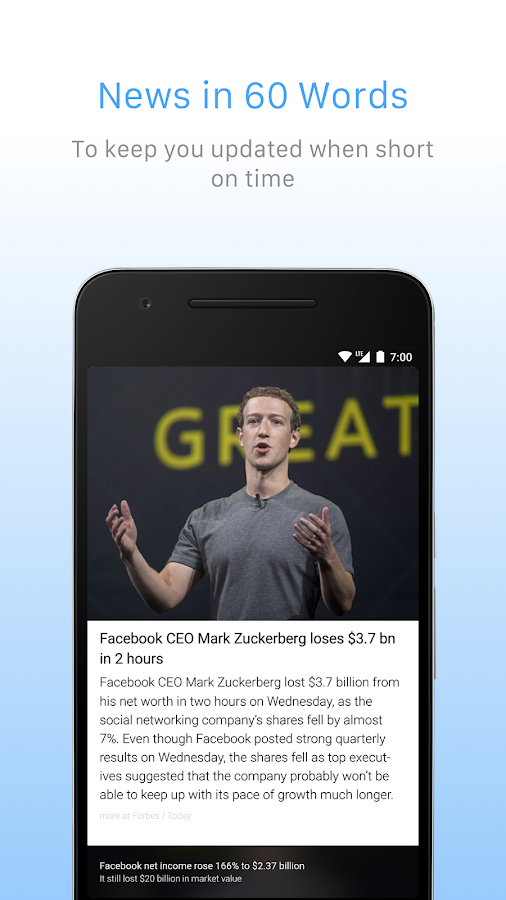
   Inshorts - News in 60 words- screenshot

 which is available for android and Apple

Official site:

Feedly:
          It is RSS Feed app by default it provide lot of feeds from popular website in different categories such as Technology
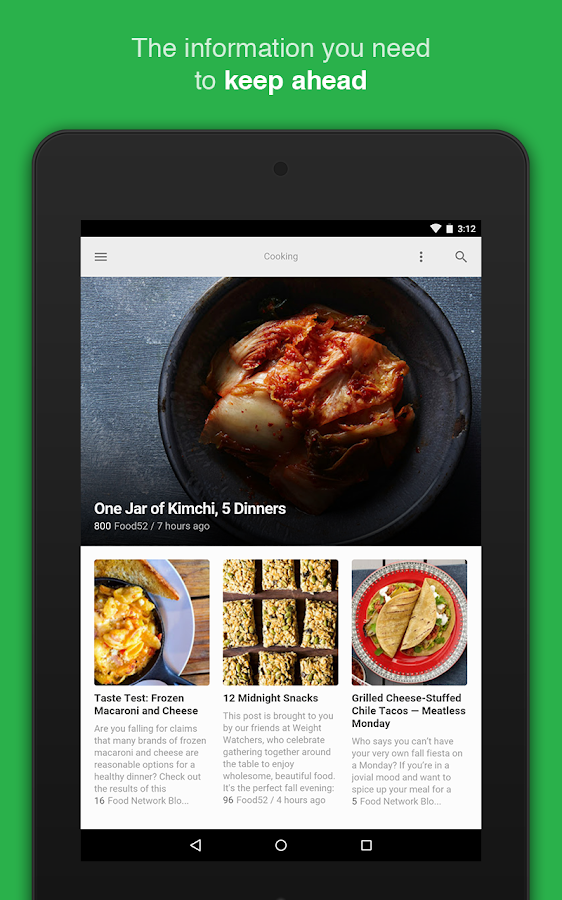
   Feedly - Get Smarter- screenshot

Official site: 
https://feedly.com

Relay:
         To read Reddit post and i like the interface which clean and neat
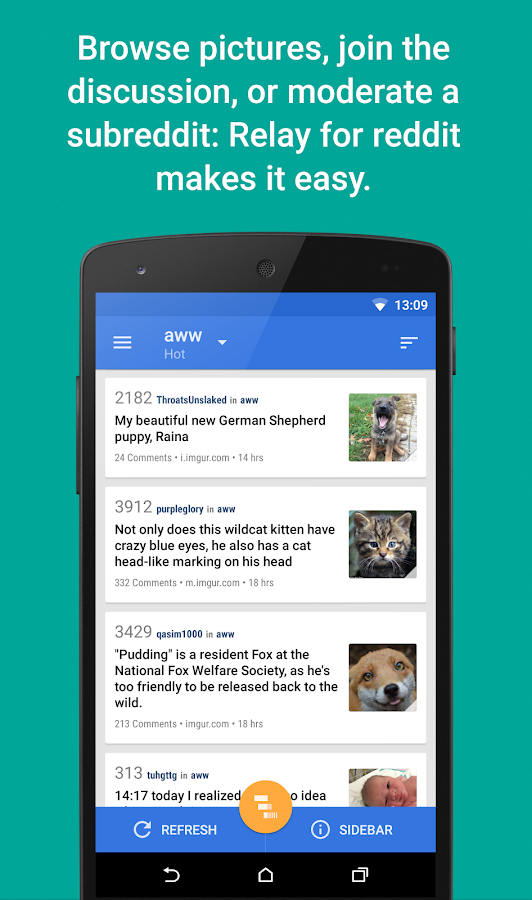
   Relay for reddit- screenshot

Playstore link:
https://play.google.com/store/apps/details?id=free.reddit.news

Skippy:
          Youtube video turned into notes, which is one of my favorite app
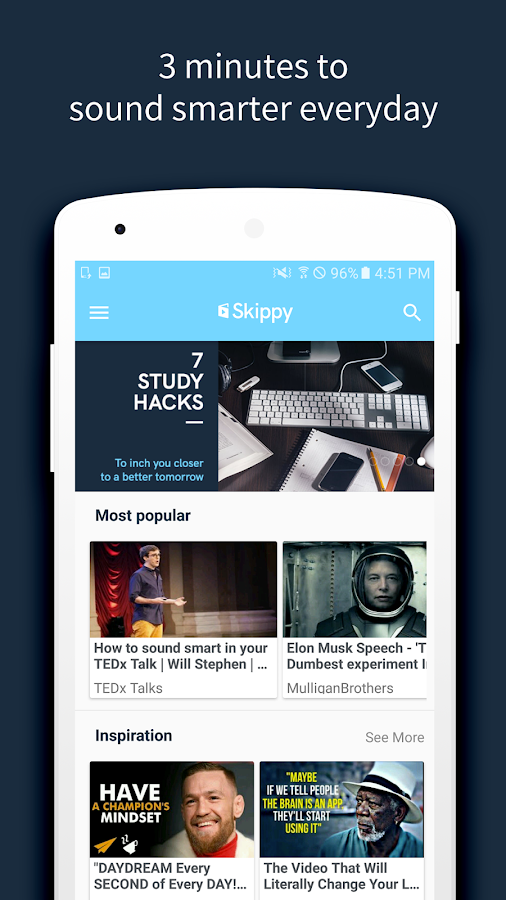
   Skippy- screenshot

Playstore link:
https://play.google.com/store/apps/details?id=com.com.plainbagel.skippy

Concentration and Maintain Habits

Engross
            I use this app to avoid distraction , this app is simple just set the timer and if your distracted press the button after the timer is completed. It will show progress you made
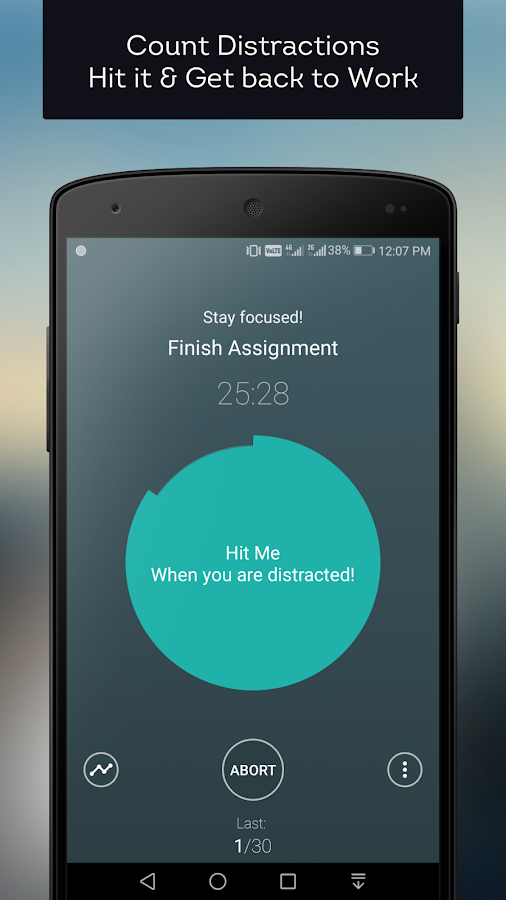

   Engross: Focus Better- screenshot

Playstore link:

Loop Habit Tracker
                                   I use this app to enhance the Good Habits and avoid the Bad Habits. Simple Interface you can set the remainder for the habit such as Read NewsPaper at 10:00 . It will remaind you. As the name mention it can track your habits over a period of time.
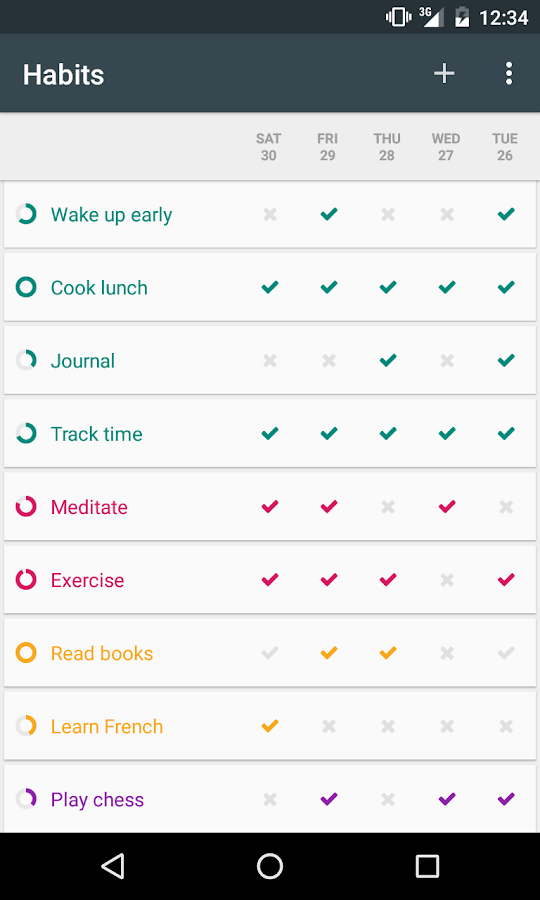
   Loop - Habit Tracker- screenshot   

Playstore link:

Productivity

Termux
              It is terminal application through which you can type linux commands (well android is linux based OS) and the best part is you can install new application too.I use it to run Python and download youtube videos using ( Youtube-dl - Python script )
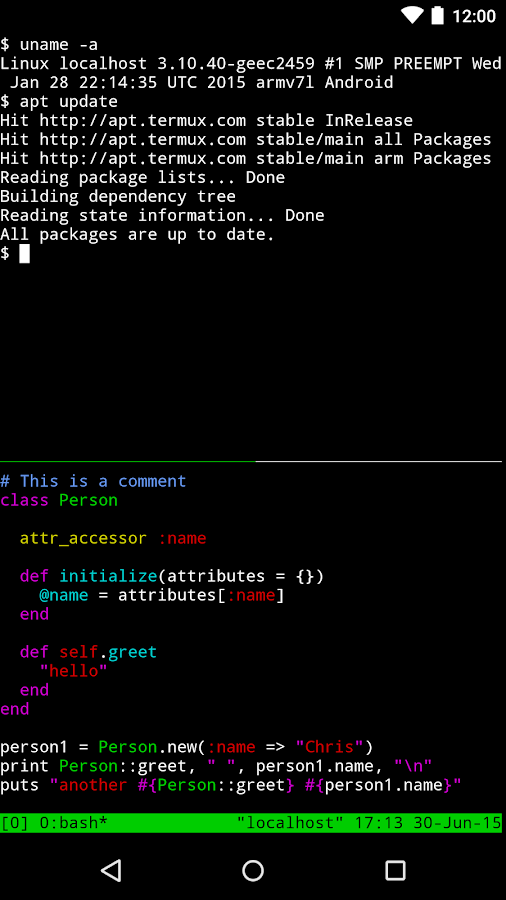
   Termux- screenshot

Links:


Hacker's Keyboard
                           Well this keyboard comes very handy when you try to use Termux which has additional keys such as ctrl,alt simply a computer keyboard in your phone
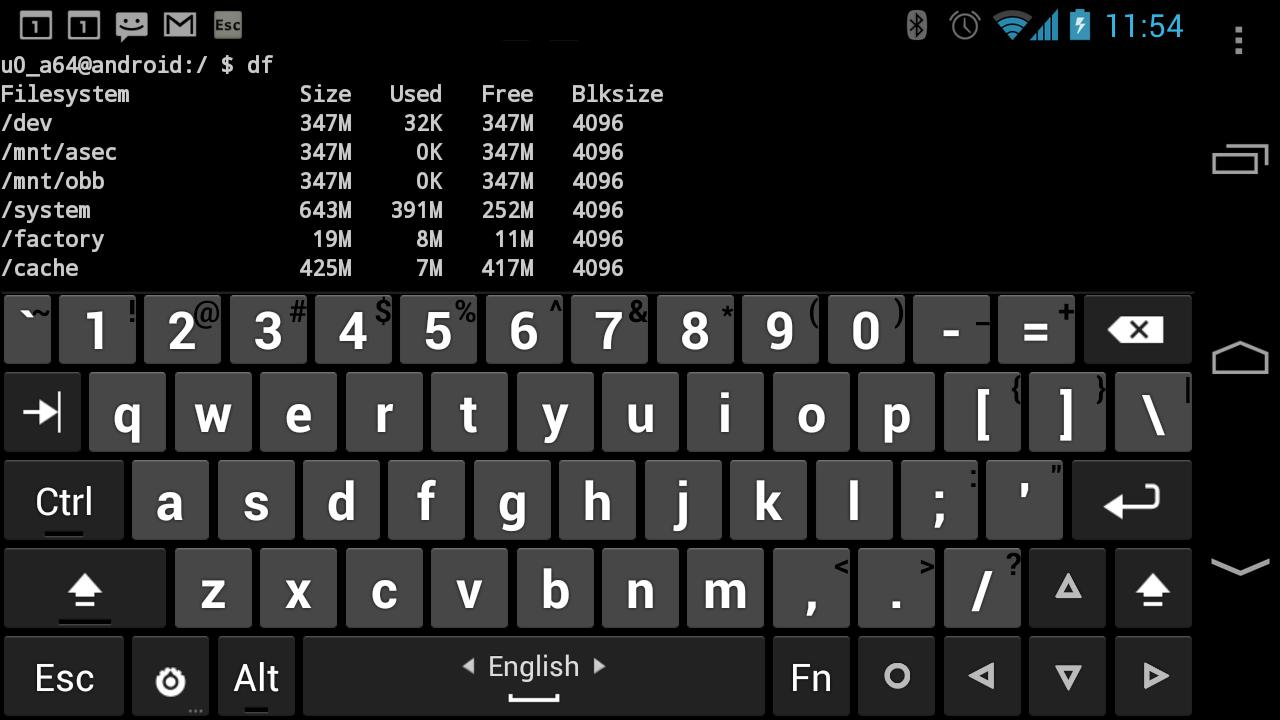
   Hacker's Keyboard- screenshot

Playstore link:

comment down below what are your favorite apps


Comments

Popular posts from this blog

My experience in iOS Hackathon

This is my second hackathon, my first hackathon was on machine learning if you want to check out that article by following the below link https://thangaayyanar.blogspot.com/2018/02/what-i-learned-from-machine-learning.html So let's get started First let us discuss about the idea of what we are trying to achieve in this hackathon. From the above image you can able to know that we are going to recognize text from the image and use it to do find which field it is.  we separated this idea into three modules Identify the region Recognize the text  Field classification Module I : Identify the region To identify the selected region we used Vision framework ( ML framework provided by apple to detect the object ). The vision framework give us the boundary of the text region ( i.e frame - x,y,width,height ).  Then using the above region we crop the selected region and pass it to the next module. Module II : Recognize the text To recognize the text we ...

Vim - Text Editor which last for Decade

what's Vim?     Vim is a highly configurable text editor for efficiently creating and changing any kind of text. It is included as "vi" with most UNIX systems and with Apple OS X                                                                                                            ---> From Vim.org  when i first heard it, what a command line editor which is awesome and i said to myself  NO WAY, there are tons of editor which looks good and easy learn curve such as Atom,Sublime,VSCode and bunch others What makes vim special than other editors?  Different from everything you have used before ( because it has modes - insert mode,visual mode,Command mode ) Forget the mouse ( why?...

Demystify - Linux GUI

GUI In Linux GUI ( Graphics User Interface ) as everyone know about.  I am writing this article so that we can able to understand how to run GUI apps in containers but we need to understand how it works in linux. Why linux?   Most of the container we use are Linux based inorder run GUI in Linux we need know how it works.. Back in early days computer fill the entire room and if you want to access it you will be presented TTY (TeleType Machine) you can still see this screen if you press CTRL + ALT + F1 in Linux. ( To get back to GUI press CTRL + ALT + F7 ) Linux spin off 8 TTY when it boots ( we can configure more or less ) Graphics in linux is handled by bunch of little programs. They are Display manager Display manger which is the key component for graphics in which mainly graphics servers lie in linux the X.org is the defacto of Display manger. which has two components X Server  X Client Here little twist server talks to the client ( o...